
A newly open time is only useful if you can offer it accurately. Before contacting anyone, update your calendar, confirm the service and location, and check that the time has not already been promised.
A simple five-step routine
- Confirm that the cancellation is final under your policy.
- Verify the exact opening and any service limits.
- Check an opt-in waitlist for people who asked to hear about openings.
- Offer one available time clearly and wait for a response.
- Confirm the appointment in your calendar, or close the offer when the window ends.
Keep the offer factual and calm. Do not imply that the customer must respond immediately unless that is a real policy. If the person declines or does not reply, update the log and move on. This makes it easier to avoid duplicate outreach and accidental double booking.
Use only the contact information needed for scheduling. Honor opt-outs, protect customer records, and do not use a general tracker for sensitive or regulated information. The workflow remains a manual aid; it does not send messages or connect to a calendar.
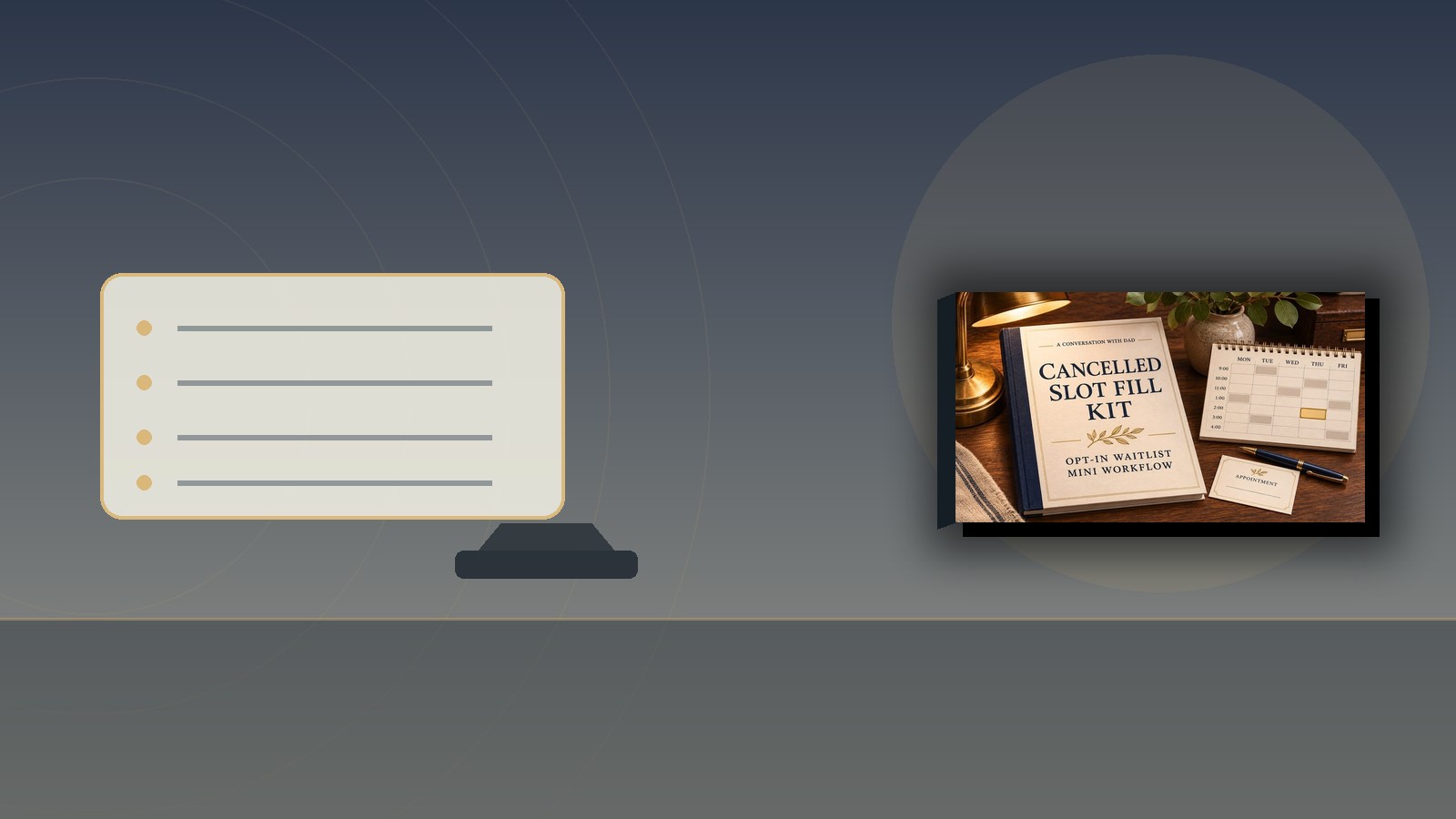
The Cancelled Slot Fill Mini Kit is listed at $3.99. The download includes a five-step guide, opt-in wording, editable slot messages, and a blank opening log in printable and digital formats.
Leave a Reply